
CTV Pause Ads
Own the screen when viewers hit pause
Pause ads appear only when viewers stop their show and stay on screen until they press play. We run them across leading streaming platforms as part of your larger plan, so that moment on the couch can lead to a scan, a visit, or a sale.
What are pause ads?
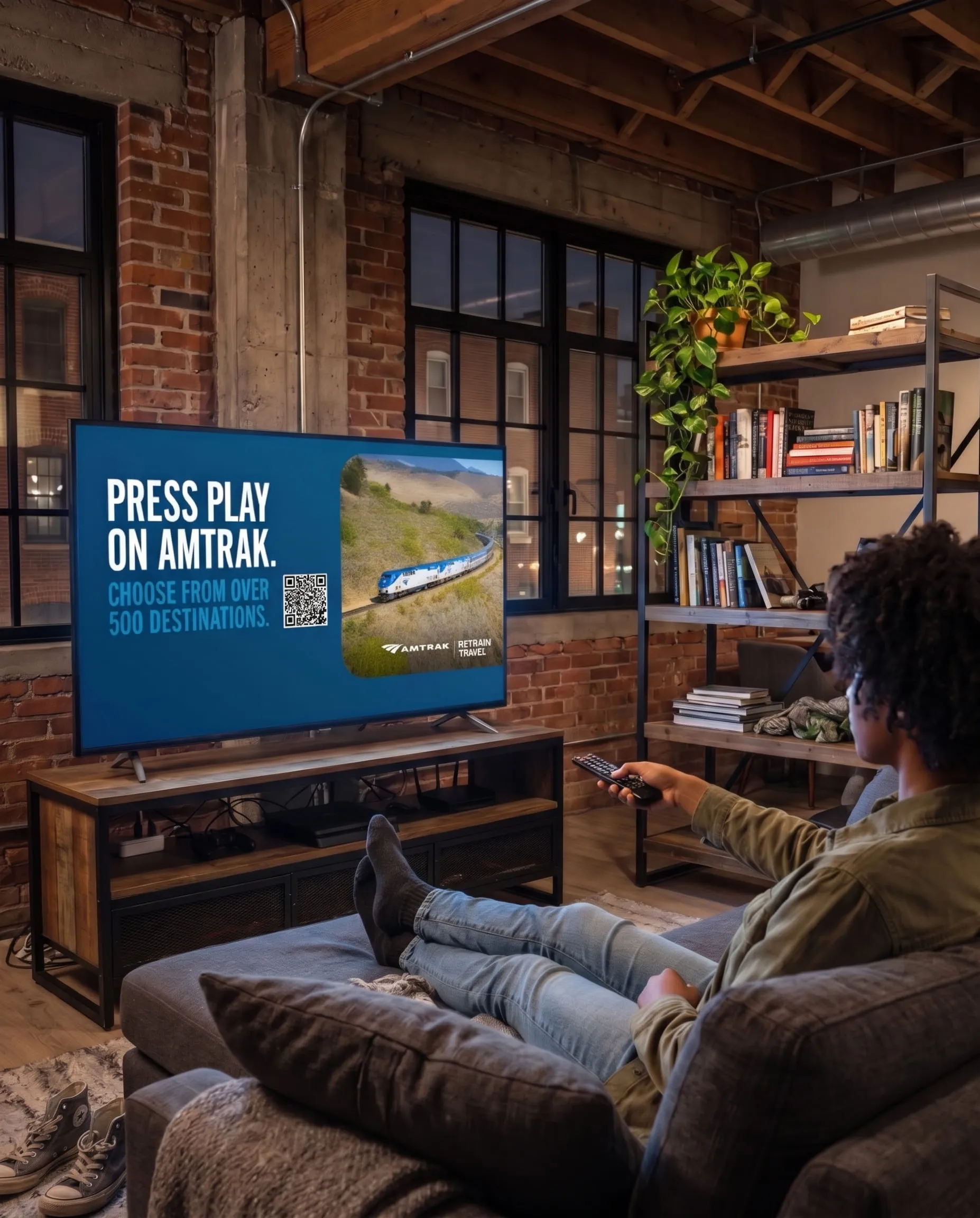
A pause ad appears on the TV when a viewer pauses a show or movie on a streaming app. It often sits beside the paused scene, so viewers can still see where they left off, and it goes away the moment they press play.

KEY BENEFITS
Why pause ads work
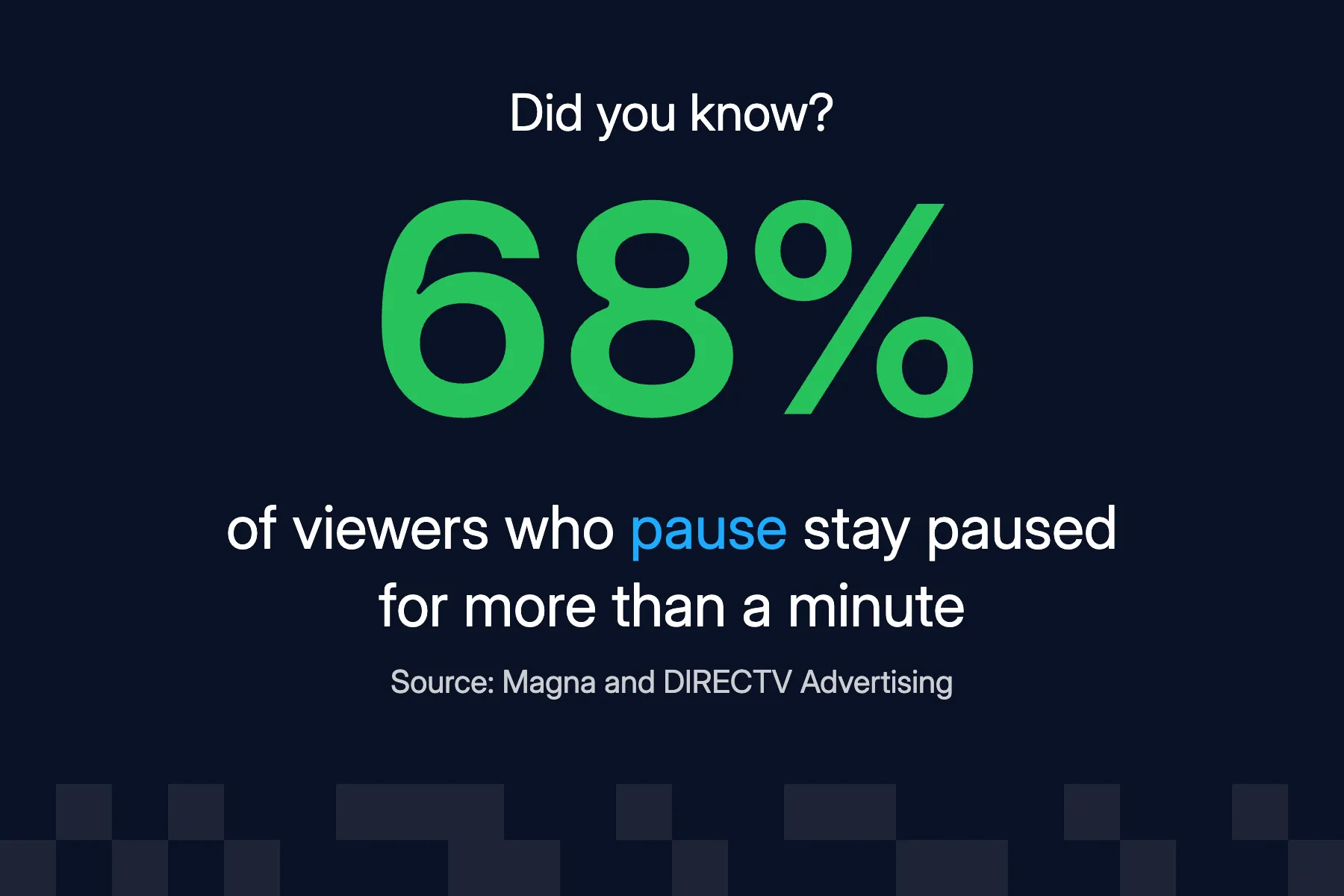
Pause ads unlock a premium opportunity to connect with audiences at the exact moment they choose to pause their streaming content. Instead of interrupting, brands become part of the natural break.
Shows up on the viewer's terms

The viewer chose to stop, so your ad takes nothing away from what they're watching. That makes it an easy way to leave a good impression.
The screen to yourself

Your ad is the only one on screen during the pause, giving your message 100% share of voice for as long as it lasts.
Easy to act on

A pause is a natural time to pick up a phone. Add a QR code so viewers can scan it, visit your site, or save an offer on the spot, and see every scan in your reporting.
CTV Pause Ad Formats
Four ways to fill the pause
From a single image to full video, we'll help you pick the format that fits your goal and the creative you already have. Every format can carry a QR code.
See your options below:




talk to an expert
See examples of your brand on pause ads
We'll show you real pause ad examples, walk through how the QR code and reporting work, and talk about where pause ads fit in your plan.
Pause ads beyond one streaming service
Streaming services usually sell pause ads only on their own apps. We buy them programmatically across many apps and devices, so you reach more of your audience from one plan.
Start without a big commitment
Buying pause ads directly from a streaming service can take a large upfront commitment. We buy across many apps at once, so you can start with a budget that fits your plan.
Simple to launch
Send us one creative and we'll run it across Roku, Fire TV, Apple TV, and more. You don't need a separate buy or set of specs for each platform.
Cross-device retargeting
Households that saw your pause ad can see your brand again later on their phones, tablets, and laptops, so one pause can lead to a site visit or a purchase.

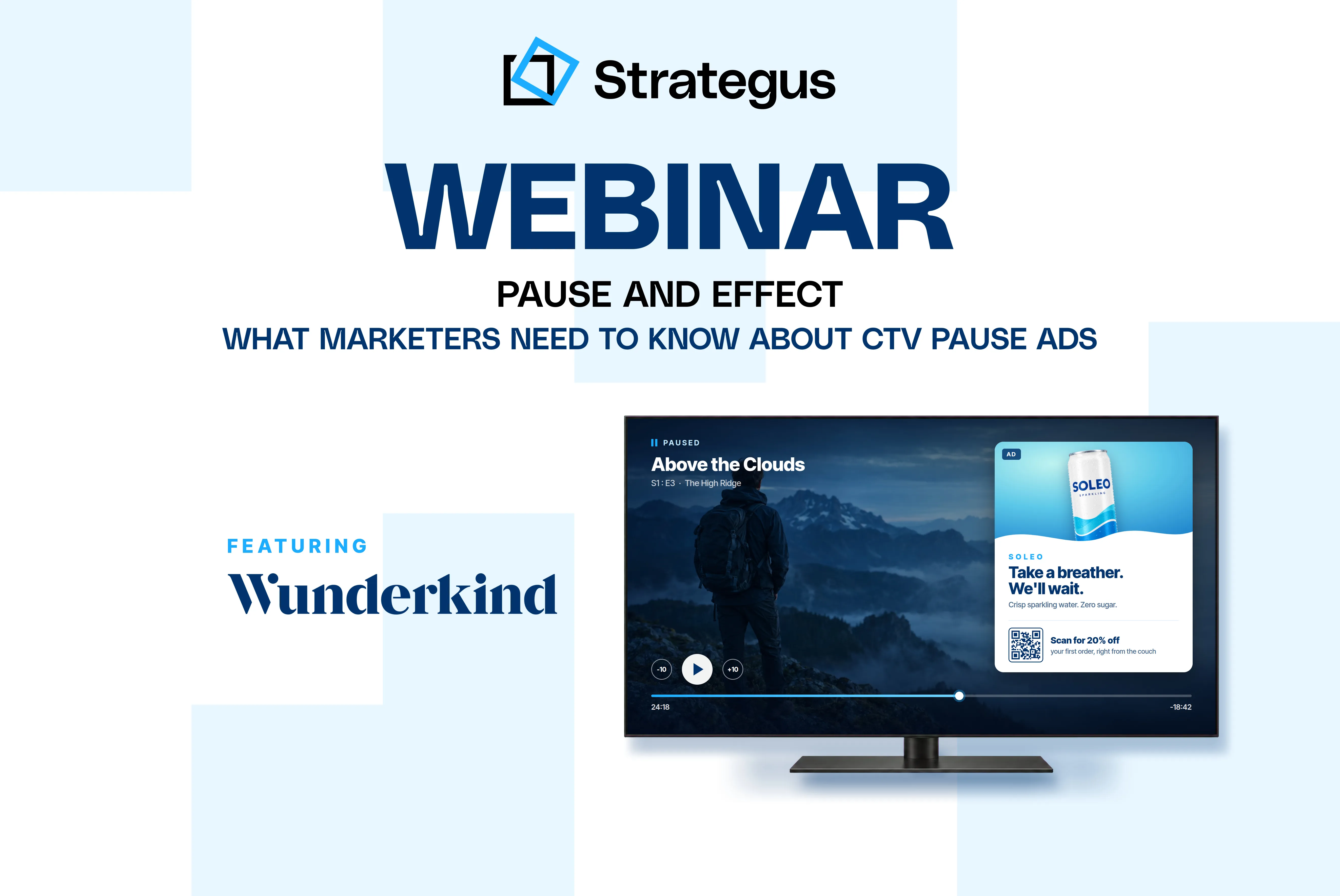
On-demand webinar
What marketers need to know about pause ads
Strategus sits down with Adam Gendelman of Wunderkind to talk through why viewers notice pause ads, which creative works best, and how brands are testing them across streaming apps.
Pause ad questions
Frequently asked questions
What creative do I need?
Not much. Send us your logo and images, and we can build the ad and its QR code for you. Choose a static image, an animated or carousel ad, or your video in a branded frame. For the sharpest look on the TV, send images that are at least 1920x1080 pixels.
How quickly can my pause ads launch?
Plan on about a week. We usually build the ad in three to five business days, then allow time for your review and any changes.
Where do they appear?
On the TV, across streaming services, from free apps like Tubi and Pluto TV to live TV services like DirecTV and Sling. Because we buy them programmatically, they aren't tied to one network or app.
How long do they last?
As long as the pause does. Your ad stays up until the viewer presses play, whether that's ten seconds or ten minutes.
Can I target who sees them?
Yes. We can target pause ads by audience, geography, device type, and content category, like sports, news, or entertainment. Targeting specific shows or networks isn't available.
Can viewers click a pause ad?
Pause ads use a QR code instead. Viewers scan it with their phone to visit your site, so the page you send them to should work well on mobile.
How do pause ads fit into the rest of my campaign?
Pause ads can run on their own, but they work best as part of a larger plan. We pair them with your CTV, online video, display, and audio ads so the same households see one consistent message, then follow up on their other devices.
Is there a minimum budget?
Yes. Minimums depend on the format and where your ads run, so our team will walk you through options that fit your budget.
What kind of reporting do I get?
You can check delivery in your dashboard anytime, and we report QR code scans and the types of content your ads ran on. Our team also walks you through the results and recommends what to change next.
Get started
When viewers pause, your brand stands out.
Tell us your goals, and we'll show you how pause ads fit with the rest of your media plan.

creative CAPABILITIES
Explore more creative formats
The right creative helps your message land on every screen.
We'll help you find the formats that fit your goals.

Dynamic creative ads
Keep your video ads current by updating offers, prices, inventory, or locations automatically, so you don't have to reshoot.

Social CTV ads
Turn your best social videos into ads for the TV, so you can get on screen without a new production.
See all of our creative options
From full video production to dynamic and social ads, we'll help you find the right creative for your goals, budget, and timeline.